Launching the Med Sync Program
This topic part of the Med Sync section that is intended for independent pharmacies only. This topic is not applicable to Rexall pharmacies.
The Med Sync program can be launched directly from Propel Rx or from an iPad that has Patient Centre installed.
To launch the Med Sync program:
-
From the Workbench, select the Patient Centre icon
 . A Patient Centre prompt displays.
 -
Select Home.
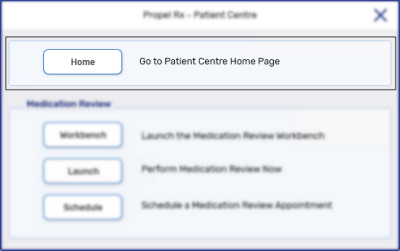
The Patient Centre homepage launches.
-
Select Medication Synchronization.

-
Log in using your Med Sync credentials provided during activation.