Linking a Be Well™ Account to Propel Rx
This topic is part of the Be Well™ section that is intended for Rexall pharmacies only. This topic is not applicable to independent pharmacies.
A patient's Be Well™ account can be linked to their Patient Folder in Propel Rx through the Programs only have the patient has downloaded the Be Well™ app and registered on their mobile device.
Propel Rx uses the patient's Birth Date to match the Be Well™ account and the Propel Rx Patient Folder. Confirm this information prior to linking the accounts.
To link a patient's Be Well™ account to their Propel Rx Patient Folder:
-
Search for and select the patient.
-
Select the Programs tab.
-
Next to the Be Well™ field, select Enroll/Decline.
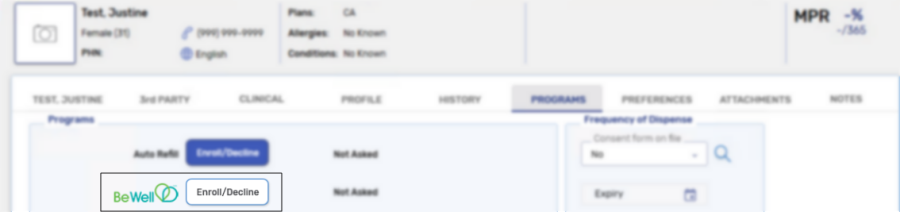
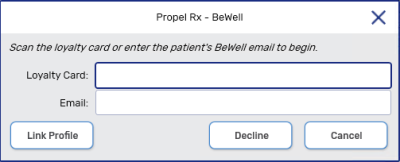
A Be Well™ prompt appears.
-
In the Be Well™ prompt, enter the following information:
-
Loyalty Card - enter the customer's Loyalty Card number.
-
Email - enter the email address that the patient used to register with the Be Well™ app.
-
-
Select Link Profile. The patient's information is validated based on:
-
Email
-
Birth Date
Once the information passes validation, the Be Well™ enrollment status on the Programs is updated to Pending.
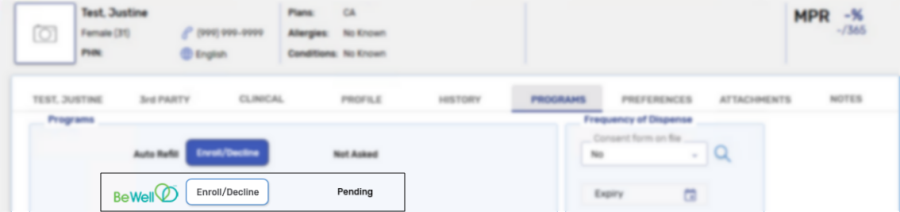
If the request does not pass validation, ask the patient to log back into their Be Well™ account and refresh their prescriptions by selecting Your Prescriptions in the Health tab.
-
The patient will be required to Accept the Program Terms and Conditions the next time they log into the app. Once accepted, the status is updated to Enrolled.
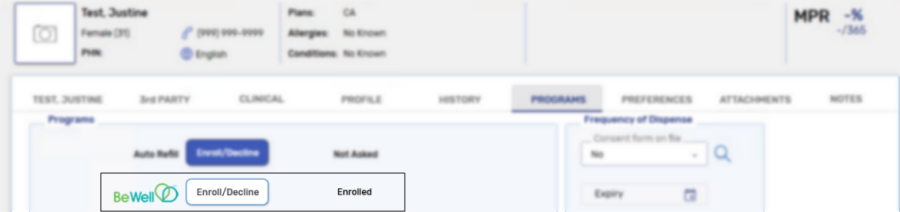
Once enrolled, you cannot make any edits to their Be Well™ account on behalf of the patient. Any updates to patient information or status, including unsubscribing, must be done through the Be Well™ mobile app.
Linking a Be Well™ Account to Propel Rx
The video(s) below reflect Nexxsys instead of Propel Rx; the process is similar in both applications.
Privacy Label
The patient's Be Well™ enrollment status is displayed on the prescription privacy label beside the owe indicator, if any.
-
Not Asked/Not Enrolled =

-
Enrolled =

-
Declined/Unsubscribed=

-
Pending =