Prompting for a Patient Keyword
If a patient has a keyword stored in their Patient Folder, on the first transaction submitted for them, you will be prompted to use the keyword for the request. First transaction refers to the first transaction within a patient session or the duration from which the Patient Folder was opened until it is closed.

-
If Yes is selected, the keyword is included in the transaction to the EHR.
-
If No is selected, the transaction is sent without the keyword. On the next transaction for the same patient, the above prompt will appear again until Yes is selected.
When prescriptions are batched, the prompt to use the patient’s keyword will not appear. Propel Rx will use the keyword on file to ensure the batch continues to run as expected.
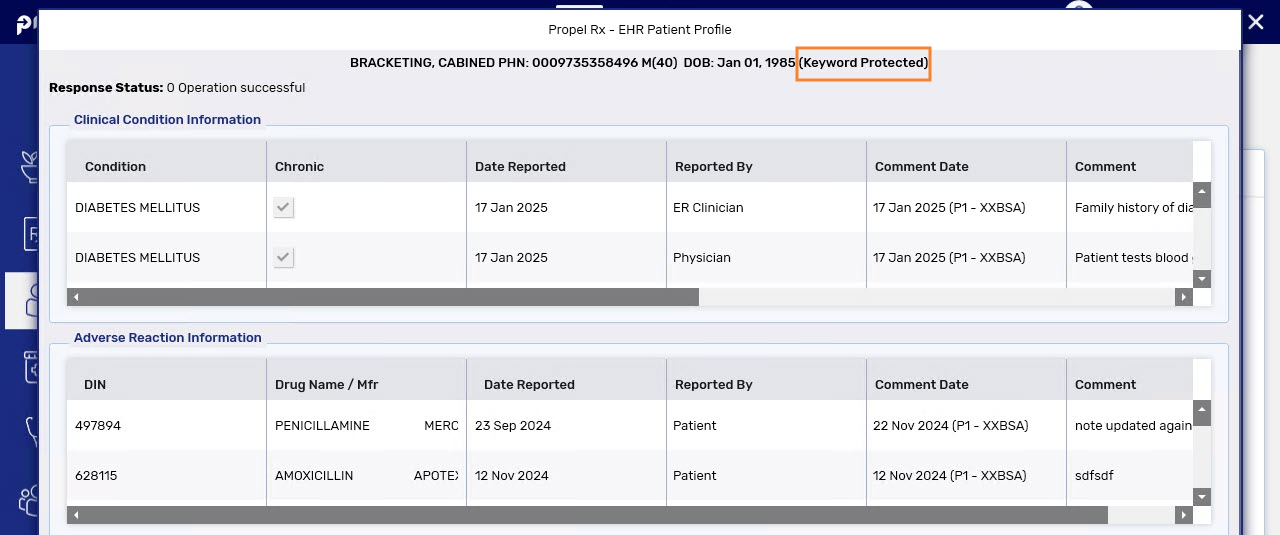
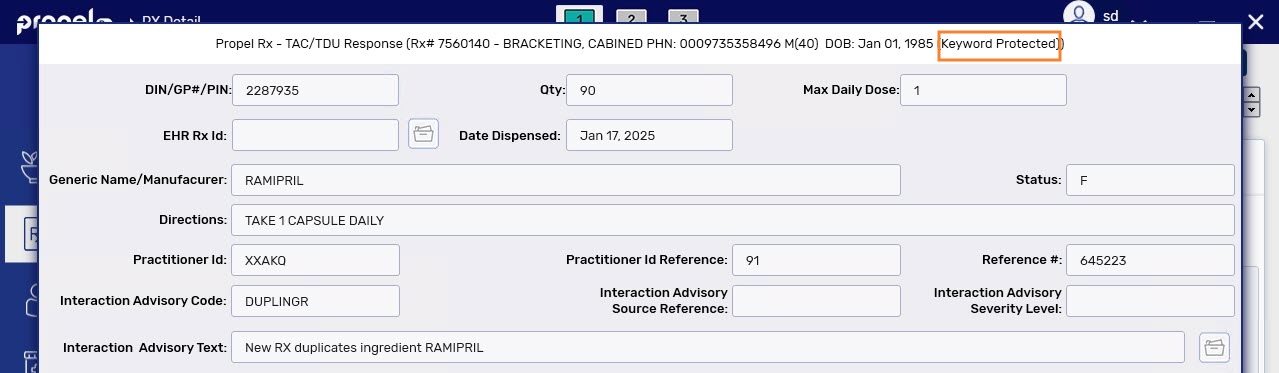
Patient Keyword Indicators on the EHR
If information on the EHR was accessed using a keyword, the phrase, “Keyword Protected” will display in the window.