Batch Scanning
Multiple prescriptions for different patients can be scanned at once using Batch Scan. This is accomplished using the barcodes that are read by the Fujitsu scanner.
Barcodes are printed on various documents. These barcodes are read by the Fujitsu scanner, and automatically attached to the corresponding prescription or patient.
Barcodes can be seen at:
- Prescription Level
- Prescription Label
- Auxiliary Label
- Prescription Hard Copy
- Mixture Breakdown Report
- Patient Level
- Refill Authorization Request
- Pharmaceutical Opinion Clinical Documentation Report
- Auto Refill Enrollment Form
- Limited Use Forms
- Adaptation Forms
- Request Forms
- Group Level
- Packing Slip
To use Batch Scan:
- Ensure the scanner is powered on.
- Load the documents into the scanner top down, face down.
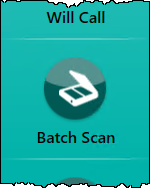
- Select the Batch Scan navigator button.
The Batch Scanning window opens.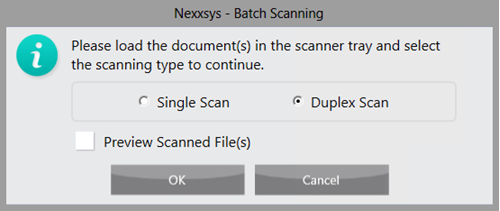
- Choose Single Scan or Duplex Scan, if double sided.
- Select OK.
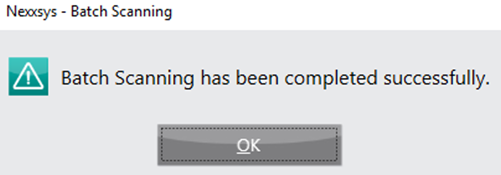
- When scanning is complete and successful, select OK.
Note: Sort documents by single or duplex, then by size. It is not necessary to scan documents with multiple pages in correct order since Nexxsys will automatically save the ascending page order, however they must be scanned in the same batch.